
Small macOS tools lab
Small tools for the little things
I wish I had.
I make macOS apps for my own creative workflow.
If they look useful to you, you are welcome to give them a try.
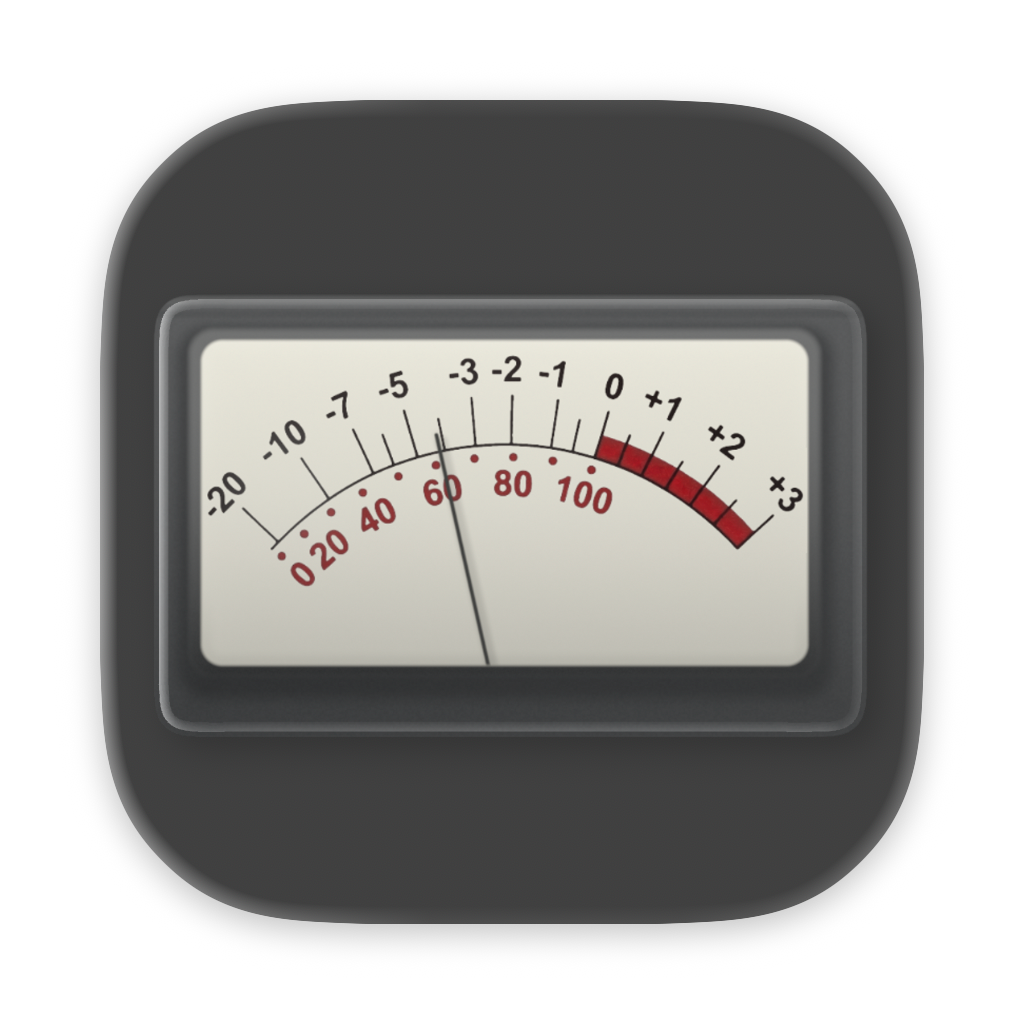
Bridge Meter
Switch between VU Meter, Loudness, and Analyzer views.
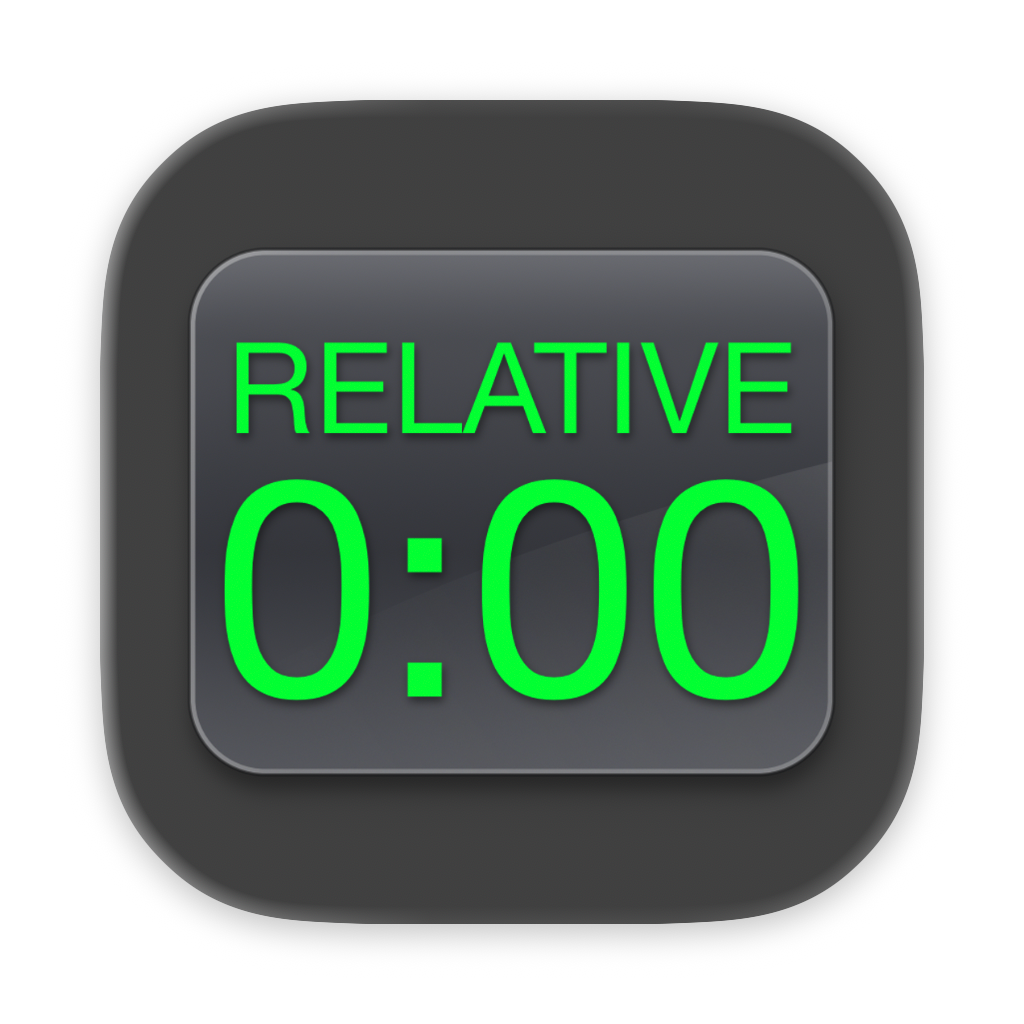
Relative Time Counter
Set any song or bounce start to 0:00.
Side Note
Keep text notes and PDFs always on top.
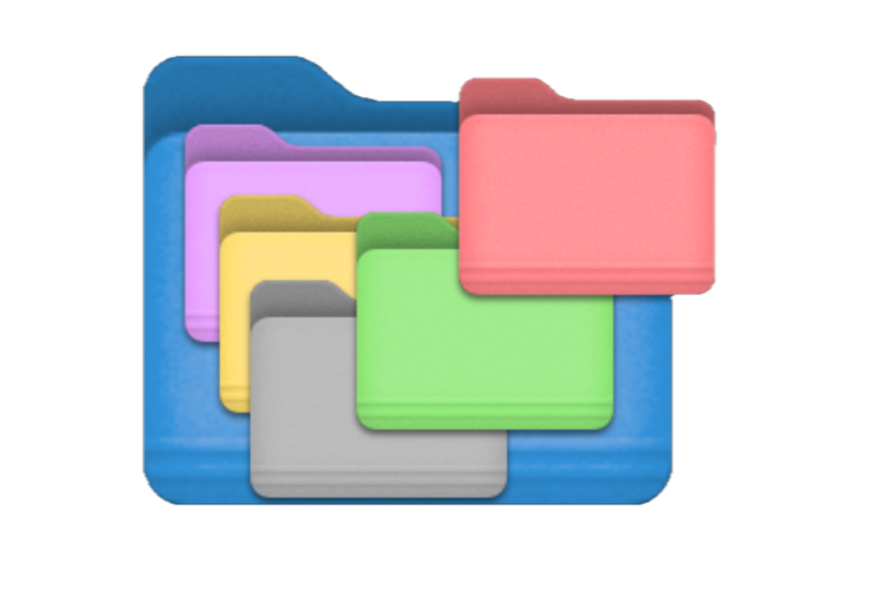
Color Folder Quick Actions
Change the color of selected folders in Finder.
Bridge Meter & Bridge Plugin
A compact meter
made to stay in view.
Bridge Meter works with the Bridge Plugin and Mac audio input, and can also capture audio directly from your Mac with no complex setup. Just select “System Audio Out” as the input and start metering.
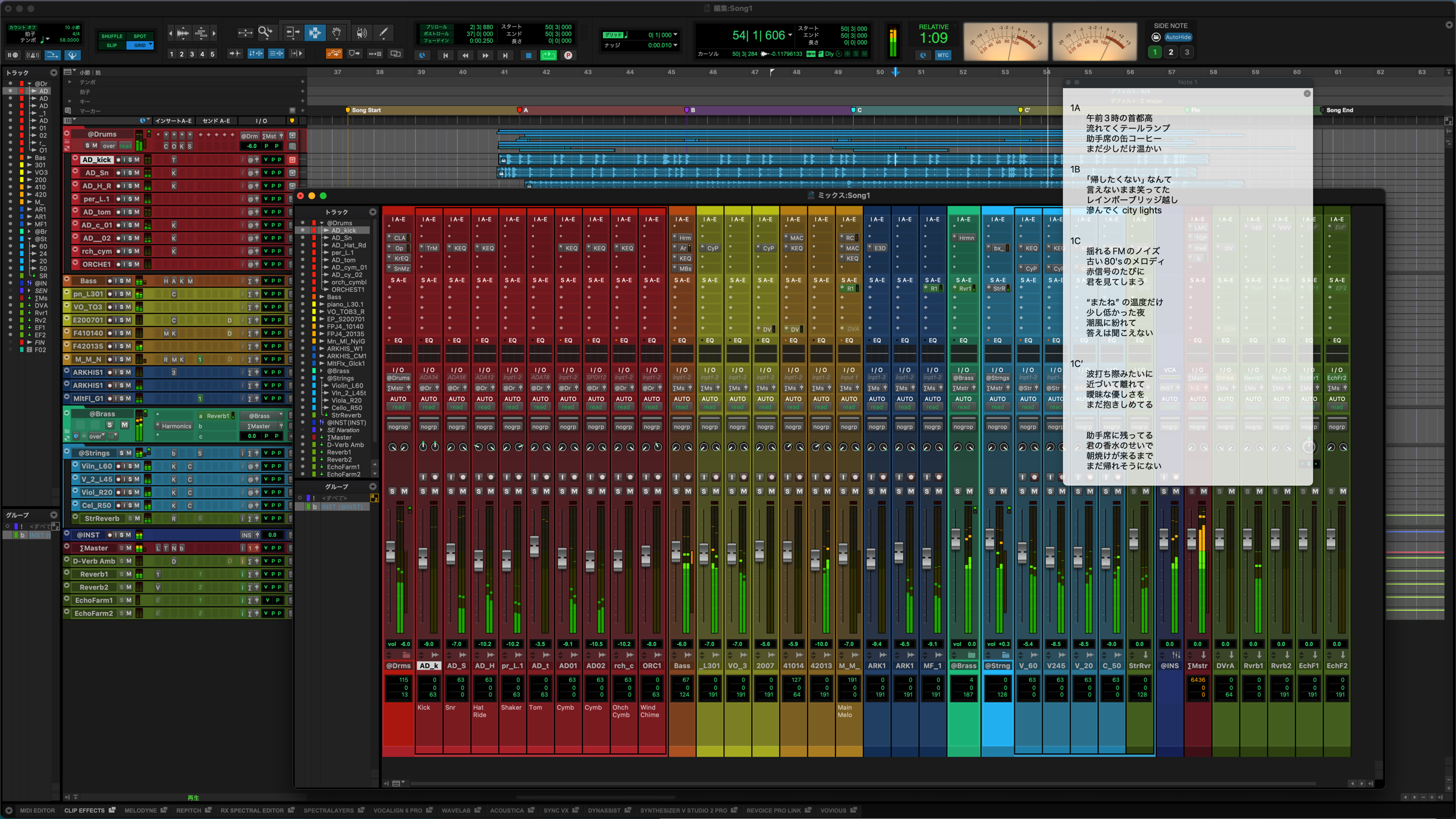
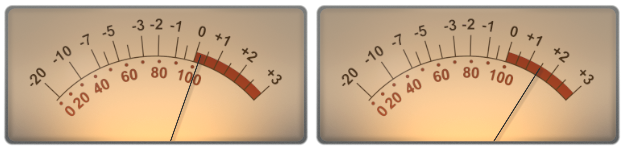
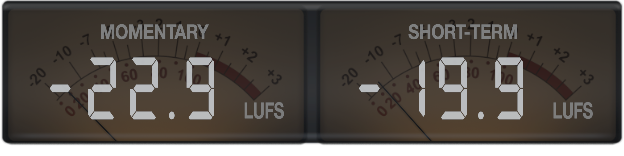
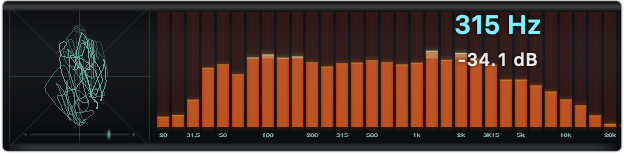
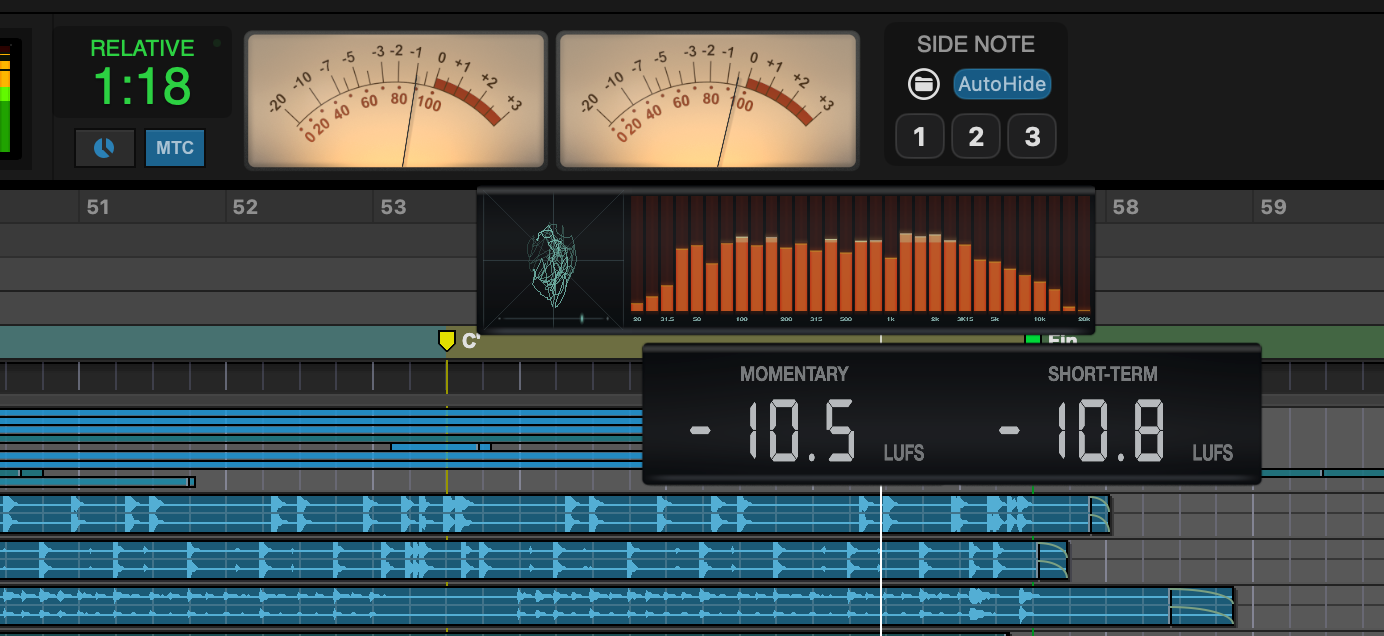
Flexible panels
Detach the panels you want
to keep in view.
The Loudness and Analyzer panels can be detached temporarily.
Reference Level can also be adjusted to suit your workflow.
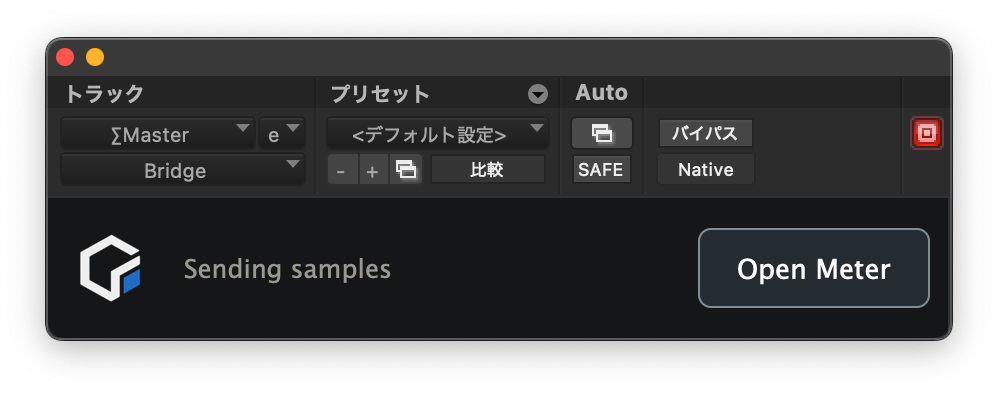
Bridge Plugin is also included.
Add the AAX / VST3 / AU Bridge Plugin to your DAW to send display data directly to Bridge Meter. It offers lower latency than System Audio Out and excludes audio from other apps. The plugin only sends metering data and does not alter the audio itself.
System Requirements macOS Sonoma 14.2 or later / Universal Binary (Apple silicon and Intel)
View latest version
Relative Time Counter
Set the counter to
zero anywhere.
Use MTC / MMC to set any position to REL=0. Jump straight to the “1:30” your client mentioned.
- Switch between REL and ABS displays
- MTC / MMC support for use with a variety of DAWs
- Locate by relative time or timecode
- Additional Pro Tools integration via PTSL SDK
- Auto Talkback
System Requirements macOS 12 Monterey or later / Universal Binary (Apple silicon and Intel)
View latest version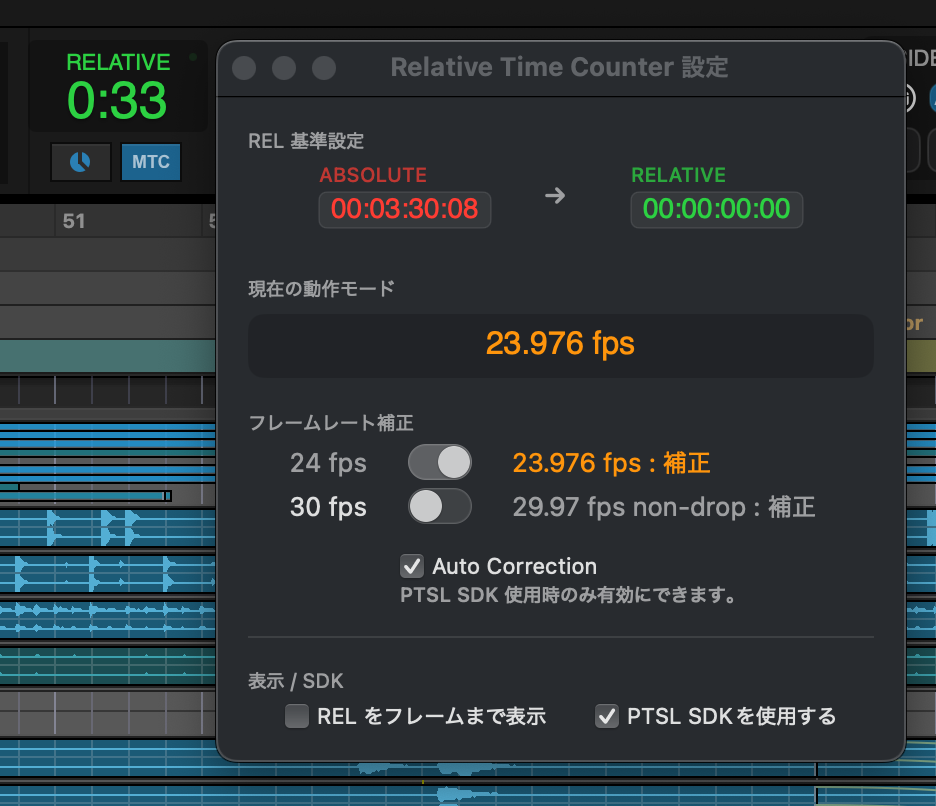
Side Note
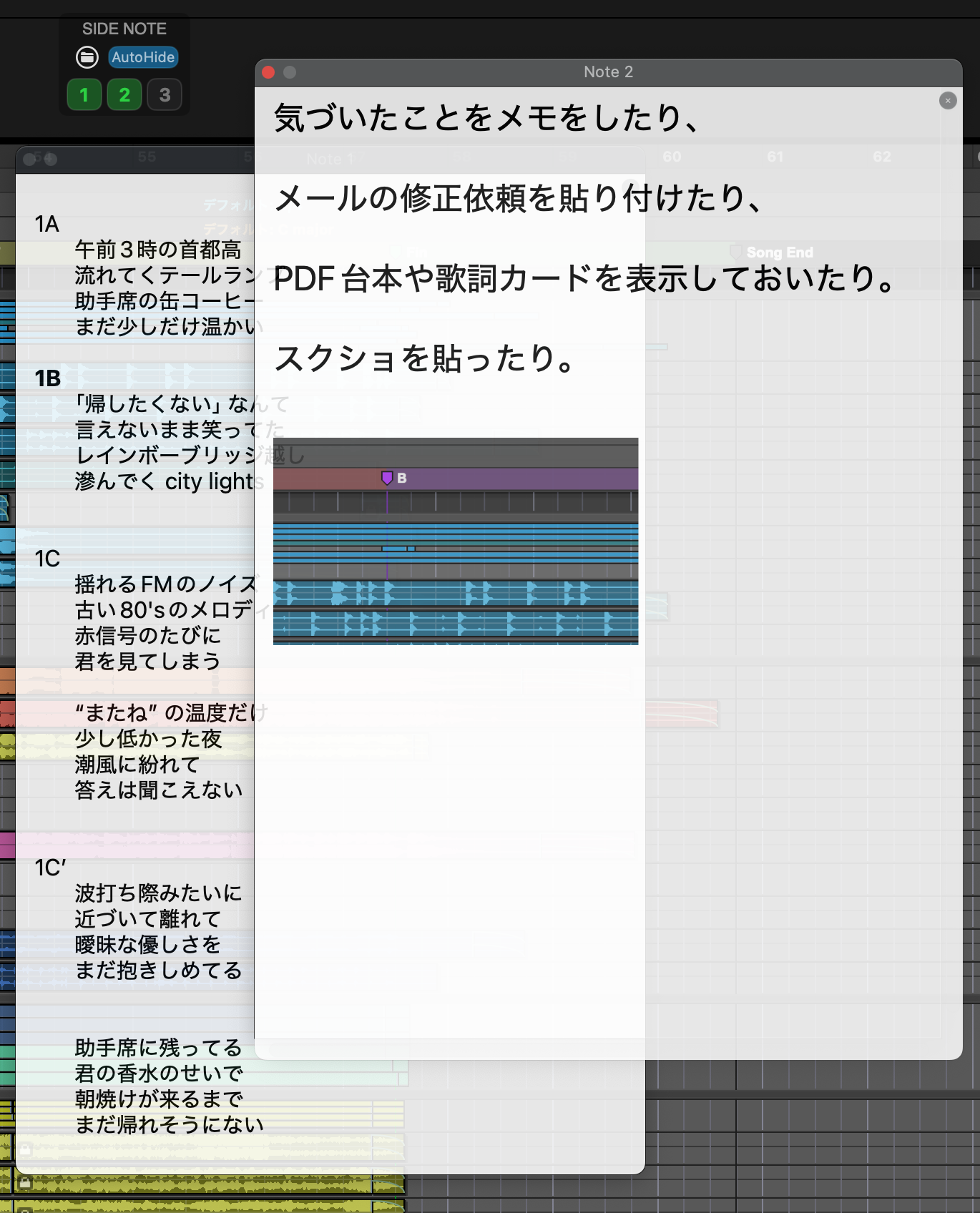
Keep notes and PDFs
always on top.
A floating note app with three independent notes for text, PDFs, and images. Keep Side Note above other windows, and AutoHide quietly hides it when it gets in the way.
- Text, PDFs, and images
- Three independent notes
- Opacity control and AutoHide
- Save window positions and content together
System Requirements macOS 12 Monterey or later / Universal Binary (Apple silicon and Intel)
View latest version
Download
All apps are free to use.
Testing has focused primarily on Apple silicon Macs running macOS 26 Tahoe.
Bridge Meter
Relative Time Counter
Side Note
Download Quick Actions